
Creating a productive home workspace is essential for maintaining focus and efficiency, especially if you work remotely or spend a lot of time at your desk. A well-organized space can reduce distractions, minimize stress, and help you separate work from relaxation. Whether you have a dedicated room or a small corner in your home, there are several practical ways to design a workspace that supports your productivity.
Choose the Right Location
Consider Lighting and Noise
Select a spot with plenty of natural light if possible. Sunlight helps reduce eye strain and boosts mood. If natural light isn’t an option, invest in a good desk lamp with adjustable brightness.
Try to find a quiet area away from household noise and traffic. If background noise is unavoidable, consider using noise-canceling headphones or playing soft instrumental music to maintain focus.
Accessibility and Privacy
Your workspace should be easily accessible but also offer some privacy. This helps create a mental boundary between work time and personal time, which is important for work-life balance.
Invest in Comfortable Furniture
Desk and Chair
Choose a desk with enough surface area for your computer, notes, and other tools. Adjustable desks, including standing desks, can improve comfort and reduce fatigue.
A supportive, ergonomic chair is a must-have. Long hours in an uncomfortable seat can lead to back pain and decreased concentration. Make sure your chair supports good posture.
Organization Tools
Use shelves, filing cabinets, or desk organizers to keep supplies neat and within reach. When everything has a place, it’s easier to stay organized and avoid clutter.
Declutter and Simplify Your Setup
Keep Only Essentials
Limit your workspace to the tools and materials you use daily. Excess items can be distracting or take up valuable space.
Wire Management
Tidy up cables with clips, ties, or a cable management box. A neat desk surface improves focus and appearance.
Use Technology to Your Advantage
Productivity Apps
Consider apps for task management, calendar scheduling, and note-taking to help keep your day organized and your priorities clear.
Reliable Equipment
Ensure your computer, printer, and internet connection are reliable. Technical difficulties can disrupt your workflow and cause frustration.
Personalize Your Space Mindfully
Add Inspiring Elements
Photos, plants, or artwork can make your workspace welcoming and motivating. However, avoid over-decorating, which can create distractions.
Ergonomic Additions
Use accessories like an adjustable monitor stand, keyboard tray, or footrest to customize your setup for comfort.
Establish Daily Habits
Set a Routine
Define clear work hours to help your brain switch into work mode. Start your day by organizing your tasks and end by tidying the workspace for tomorrow.
Take Breaks
Incorporate short breaks to stretch, move, and rest your eyes. A well-timed break can increase overall productivity and well-being.
Keep Your Workspace Clean
Regular Cleaning
Dust and clean your desk, keyboard, and screen weekly to maintain a fresh environment.
Refresh Supplies
Check your stock of pens, paper, and other essentials regularly so you never run out unexpectedly.
—
A productive home workspace is within reach by paying attention to location, comfort, organization, and routine. Taking these thoughtful steps will help create an environment where you can work efficiently and enjoyably every day.
Related Posts
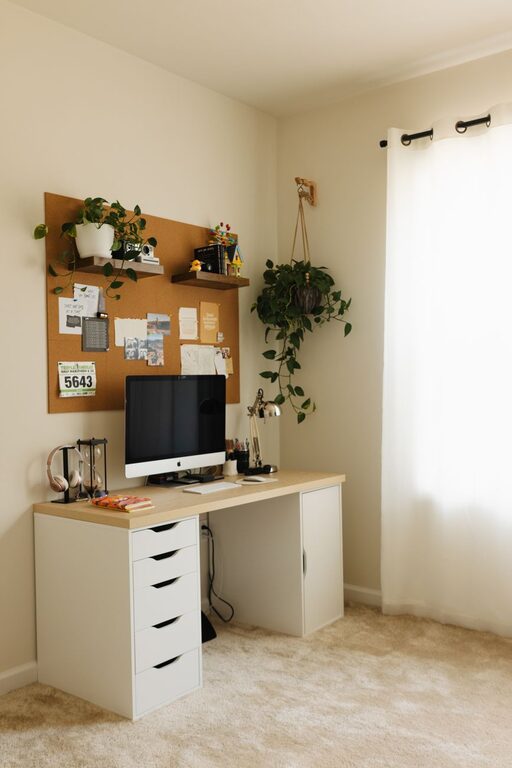
Tips for Creating a Cozy and Productive Home Office Space
Creating a home office space that feels both cozy and…
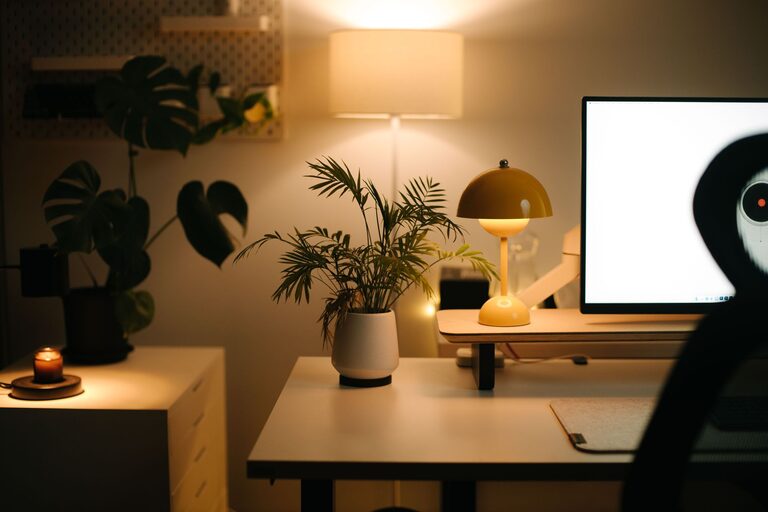
Tips for Creating a Cozy and Productive Home Office Space
Working from home has become a common part of many…

Tips for Creating a Relaxing Home Workspace to Boost Productivity
Creating a relaxing home workspace is essential for anyone looking…